How it works

From your procedure
to the lens.

Drop in a procedure — the AI builds the steps for AI glasses and a quiz video for before the shift. Here’s what the crew sees on the job, the real app behind it, and real projects start to finish.

See a shift on the glasses
On the glasses

A shift on the glasses,
step by step.

What the crew sees on the job: the procedure you dropped in, one step at a time, in their own language. Hands stay on the work — and every step leaves a record.

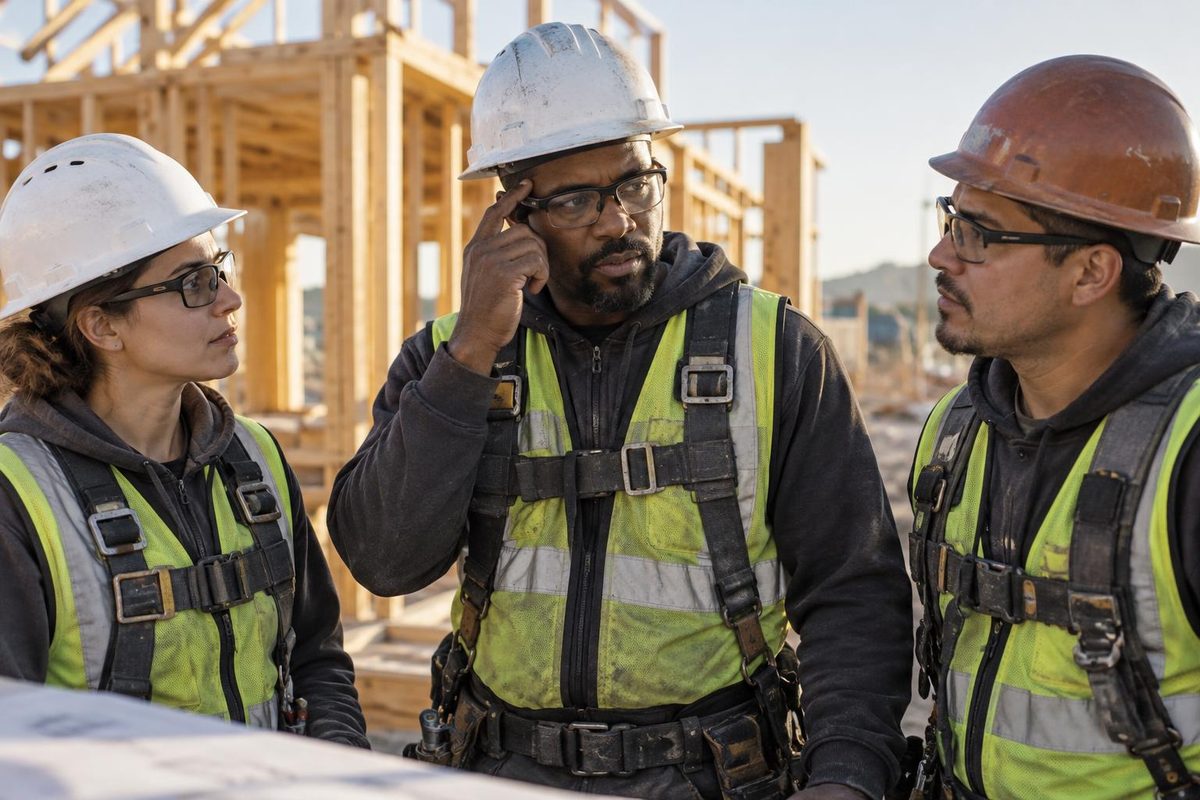
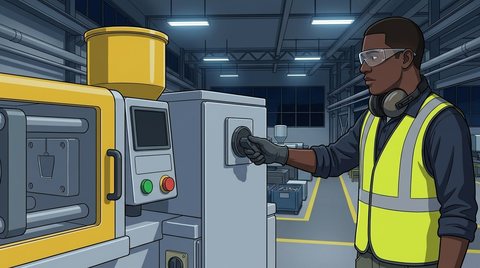
A crew in AI glasses; one touches the temple to check the next stepStep 2 of 3
01

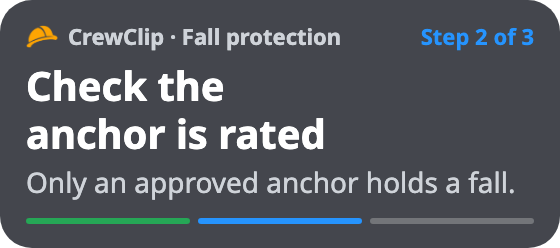
The step, on the lens

What to do, what to check and why — in each worker’s language. One step at a time.

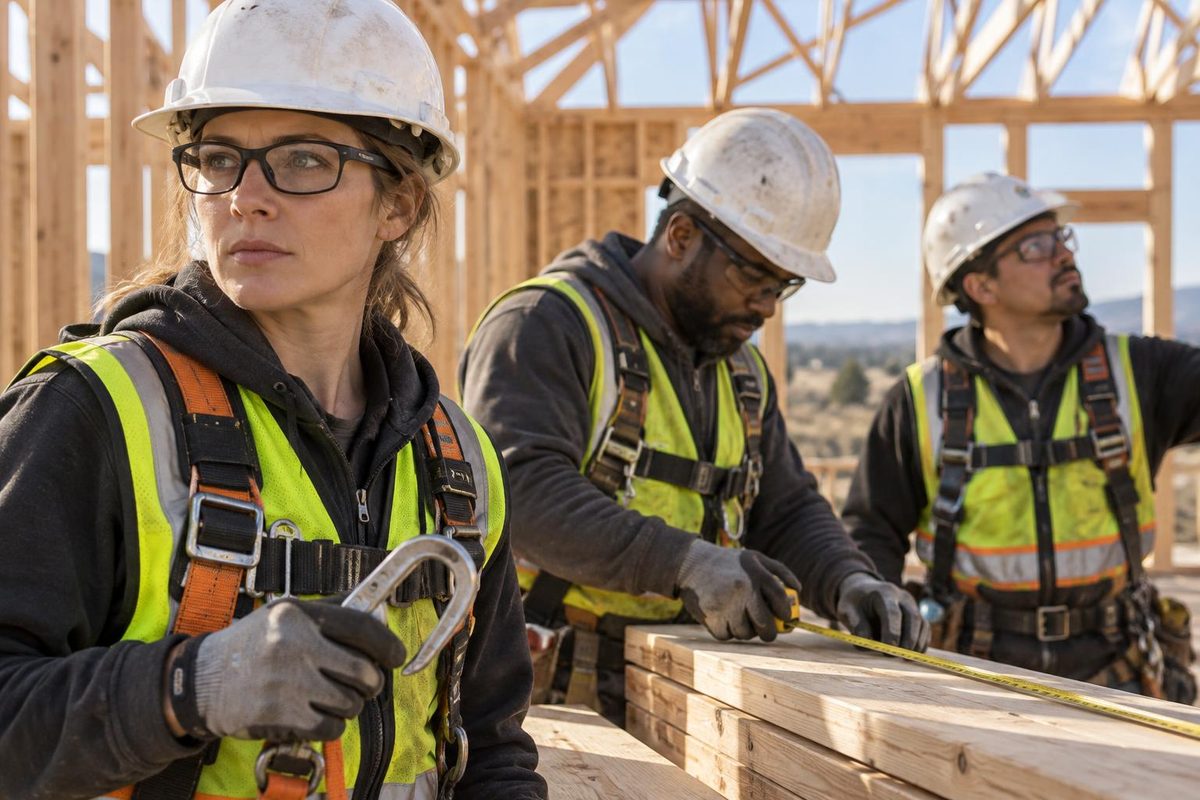
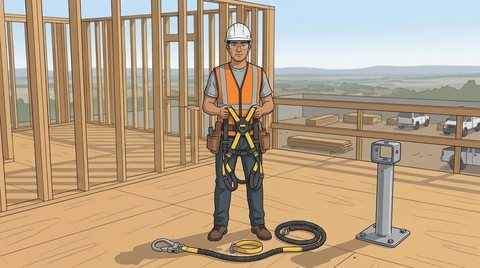
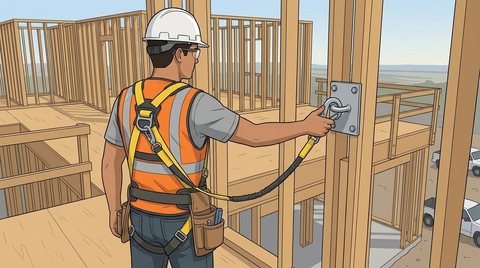
A worker in AI glasses holding her lanyard hook, the step on her lensStep 3 of 3
02

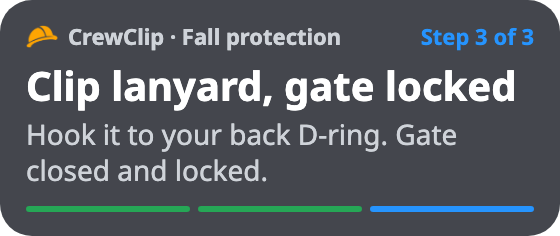
Say “check” to go on

Hook in hand, gloves on. A spoken “check” or a tap on the temple moves to the next step.

You said
Wind’s picking up. Do we keep lifting?
CrewClip AI

Check the wind limit on the lift plan. Over it — stop and tell your foreman.

03

Ask out loud

Not sure? Ask. The answer comes from your own procedure, right on the lens.

Site log · Fall protection
  1. Harness on and snug ✓
  2. Anchor is rated ✓photo checked
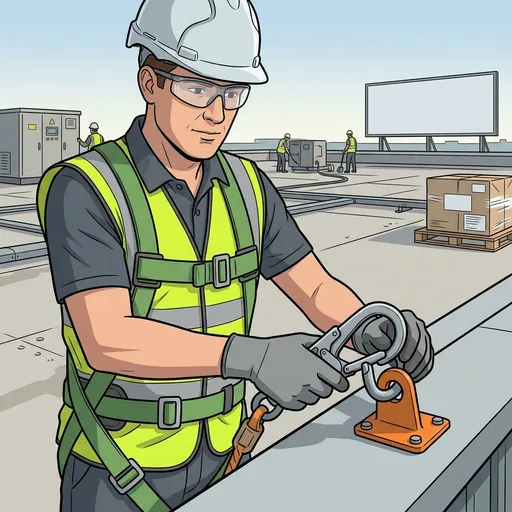
  3. Lanyard clipped, gate locked ✓
Report sent to the superintendent
04

Every step on record

Who did each step and when — with the photo check and the voice note. The report writes itself.

Inside CrewClip · the AI behind it

This is the actual app.

No stock mockups. These are real screens from the app — the same AI builds your quiz videos and the steps for the glasses.

ws.crew-clip.com/projects
01

Describe it like you’d brief a new hire

What they need to learn, who’s watching, what goes wrong today. Or drop in the procedure you already have — PDF, PowerPoint or Word.

TextYour SOPPDFPowerPointWord
ws.crew-clip.com
02

An AI video agent plans every shot

It writes the script, designs the people and the site, draws every scene and flags safety-critical lines for a qualified person to approve. It only asks you what matters.

ScriptPeople & sitesScenesSafety review
Video agent
03

Every scene in one storyboard

See each shot next to its narration. Change a line, redraw a frame or reorder the steps — no timeline skills needed.

ShotsNarrationOn-screen text
ws.crew-clip.com · Storyboard
04

Fine-tune in the editor

A real timeline with narration, captions, text, media and camera moves. Change a line and it’s re-voiced for you.

TimelineCaptionsCameraVoice
ws.crew-clip.com · Editor
05

Share it, quiz it, track it

One link and a QR code for the break room or the machine. Each person watches in their own language, answers a short quiz, and you see who finished.

LinkQR codeQuiz60+ languages
Share this video
06

Know who watched — and where they stopped

Views, plays and finishes for every video, in one place. See where people drop off, how many reach the end and which language they chose — and export it all as a CSV for your records.

CompletionDrop-offQuiz resultsCSV export
ws.crew-clip.com · Analytics
See it made · quiz videos

Three sentences in.
A training video out.

A jobsite and a plant floor — two real projects, start to finish. The actual screens, condensed so you can watch each one in under a minute. The companies are fictional demos.

01
Construction

Halden Builders

Fall protection · English + Spanish
21minutesEN + ESlanguage
Real project · condensed from 21 min
ws.crew-clip.com
The finished video
Also in:
8 stepsEnglish + SpanishTap-the-hazard checkReal motion
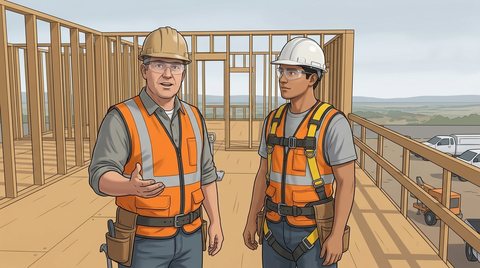
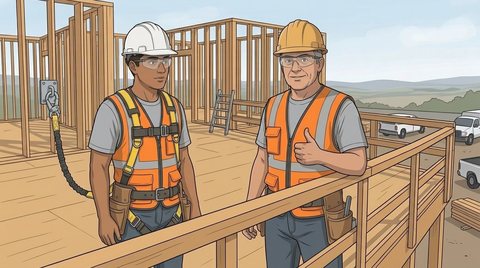
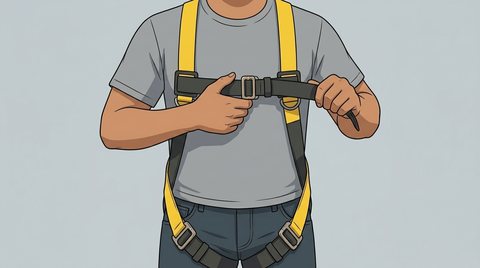
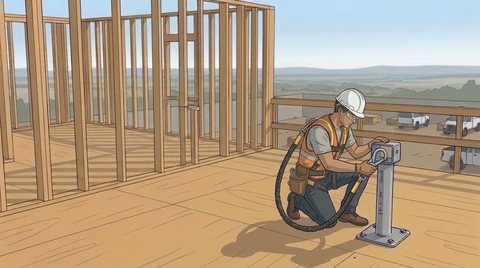
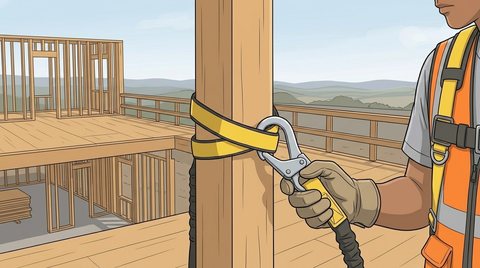
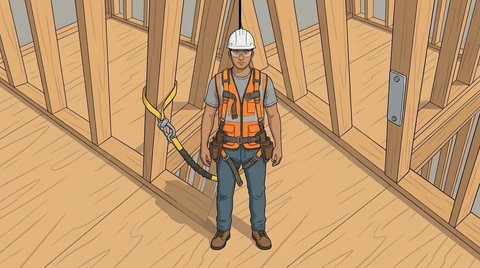
What was typed: A 40-second safety training video for Halden Builders, a commercial general contractor, in English and Spanish. Who it's for: new framing crews in their first week on site. The problem: new hires tie off to whatever is close, and nobody checks the harness. How it helps: it shows the three checks before you climb: harness snug, anchor rated, lanyard clipped. So every crew does it the same way, in their own language.
02
Manufacturing

Corvane Plastics

Lockout/tagout · night shift
23minutesENlanguage
Real project · condensed from 23 min
ws.crew-clip.com
The finished video
7 stepsNarrationQuizReal motion
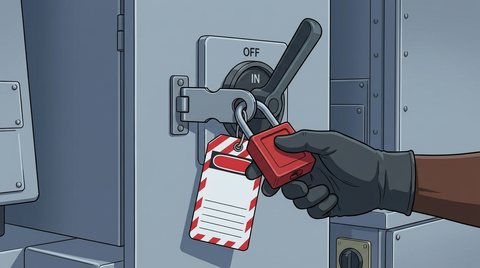
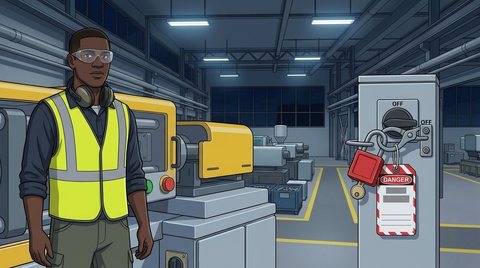
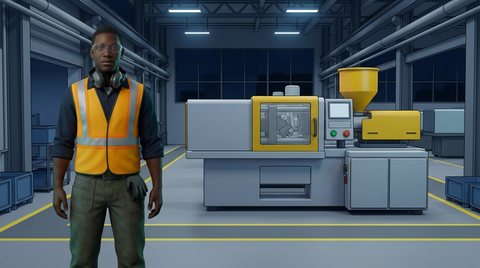
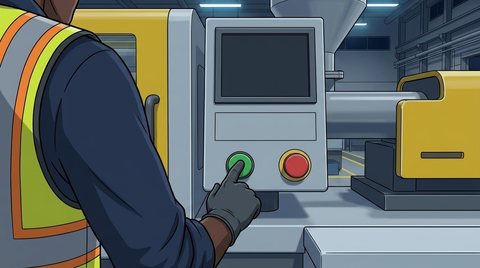
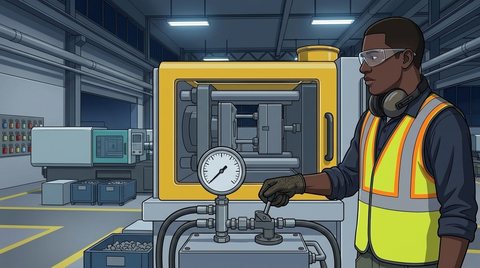
What was typed: A 40-second safety training video for Corvane Plastics, an injection-molding plant. Who it's for: new machine operators on the night shift. The problem: when a press jams, people reach in to clear it with the power still live. How it helps: it walks through lockout/tagout in four steps: shut down, lock and tag, bleed stored energy, try the start button. So nobody ever clears a jam on a live machine.
Pick a look

Anime to real people.

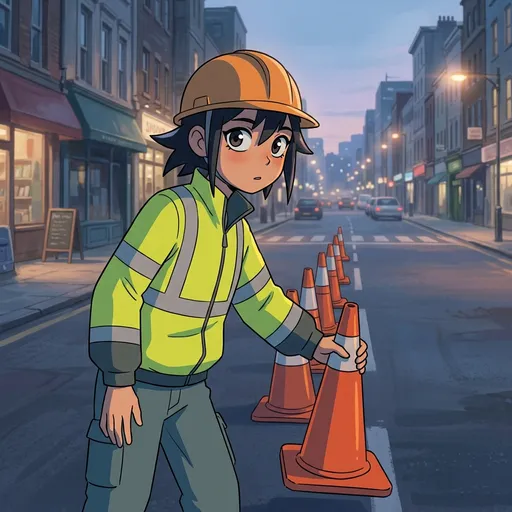
Choose a look before you generate, and every character and scene follows it — sixteen drawn styles, or photoreal people. Tap a few.

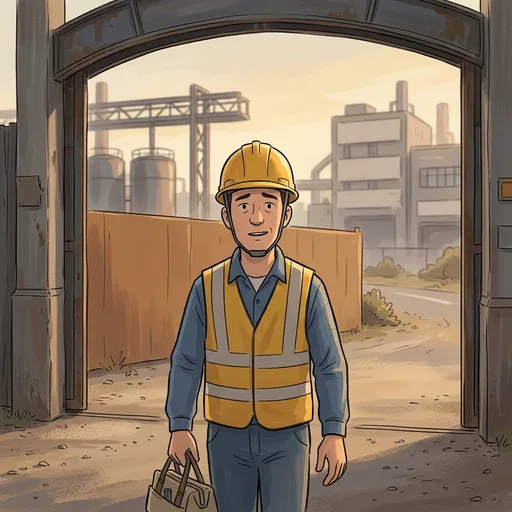
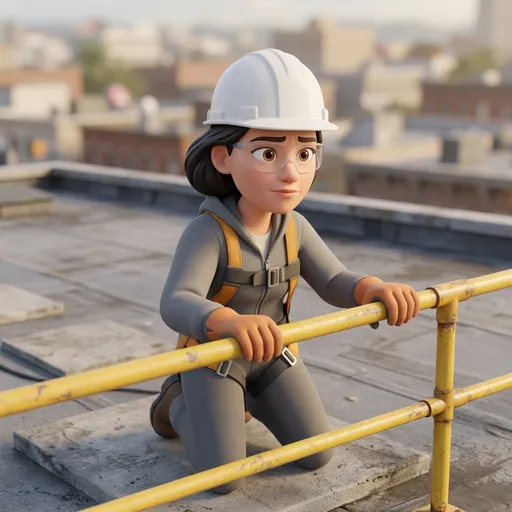
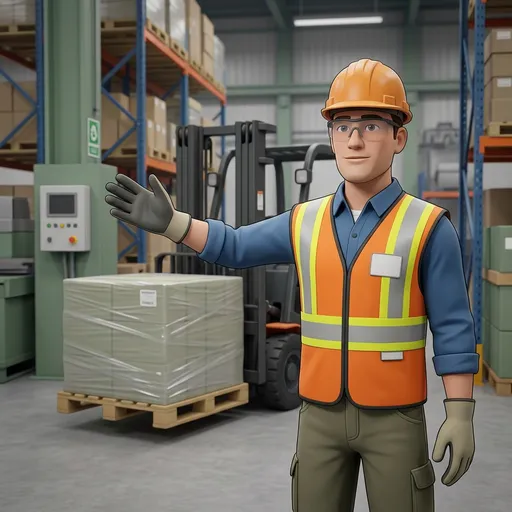
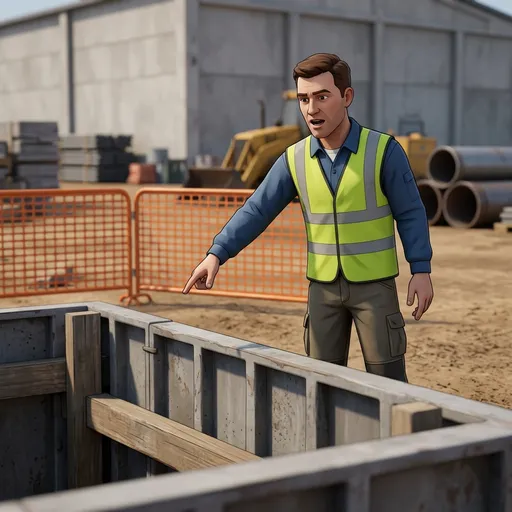
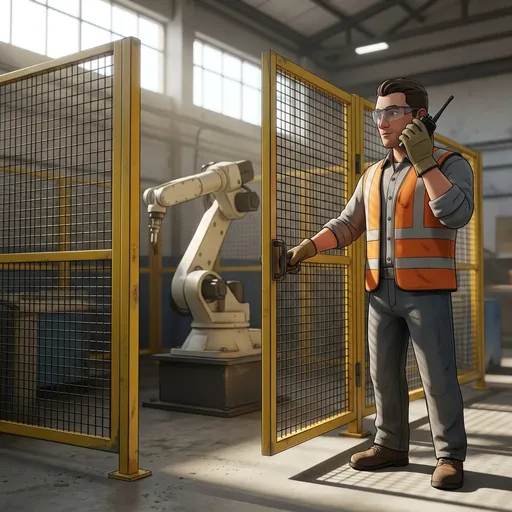
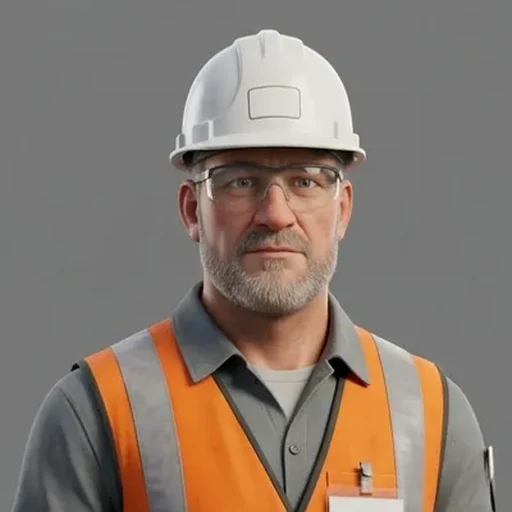
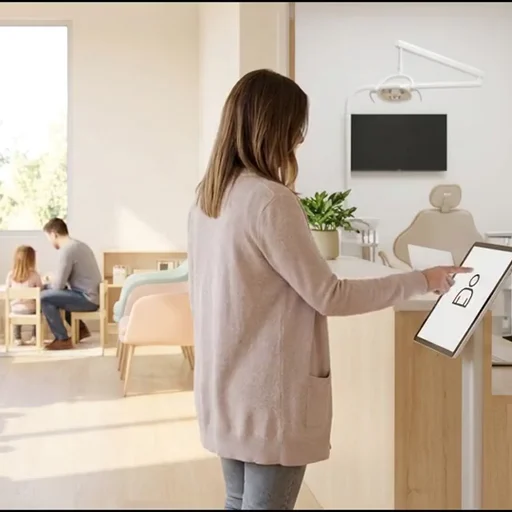
Anime style sampleSoft-painted style sampleCel-shaded style sampleAnimated feature style sampleStylized 3D style sampleSafety film 3D style sampleCinematic 3D style samplePhotoreal sample: site supervisorPhotoreal sample: front deskPhotoreal sample: bedsideStyle · Anime
Anime & 2D
Realistic 3D
Real human
AnimeRealistic
Use cases

Every procedure, on the lens and on video.

Toolbox talks

A fresh 60-second toolbox talk for every morning huddle, with a quick quiz.

Site orientation

Day-one basics for new hires and subcontractors — the same at every gate, on every shift.

Procedures, JSAs & SOPs

Turn a written procedure into steps on the lens — steps people actually follow.

Lockout/tagout

Energy isolation step by step on the glasses — say “check” at each lock.

Pre-task & equipment checks

Pre-shift checks on the glasses, with a photo check at each step.

Multilingual crews

Steps on the lens and videos in each worker’s language — English, Spanish and 60+ more.

Records for every audit

Who did each step and who passed each quiz — by site and by person, exported as CSV.

Frames from real CrewClip training videos

Every frame here was generated.

Why CrewClip

Built for the people
doing the work.

01

Your procedures, not a template

Every video starts from your own words or your own documents. Choose the look, the people and the voice.

02

Always the latest version

Procedure changed? Edit once — the glasses, every link and every QR code show the new version.

03

Every worker’s language

English, Spanish and 60+ more — on the lens and in the video, with captions.

04

Know who did it right

Every step done on the glasses and every quiz answer, by person and by site.

05

Hands on the work

Steps on the lens and voice instead of typing — gloves stay on. Videos play on any phone from a QR code at the gate.

06

Your content stays yours

We don’t use your content to train AI. Your videos are yours to use anywhere.

The gap

“We covered that in orientation.”

— and then it happens again on the night shift.

Training lives in binders, slide decks and one supervisor’s head. A good video still takes writers, cameras, editors and weeks — and it’s out of date the day a procedure changes. So people skip it, nobody can show who did it right, and the same mistakes come back — on the job, where the binder isn’t.

Told.Shown.Done right.
The new AI era of work

Build the next jobsite with AI glasses.

Procedures on the lens, hands on the work, every step on record — how sites run in the AI era. Start with a pilot on your own jobsite, or talk to us.

or talk to us: